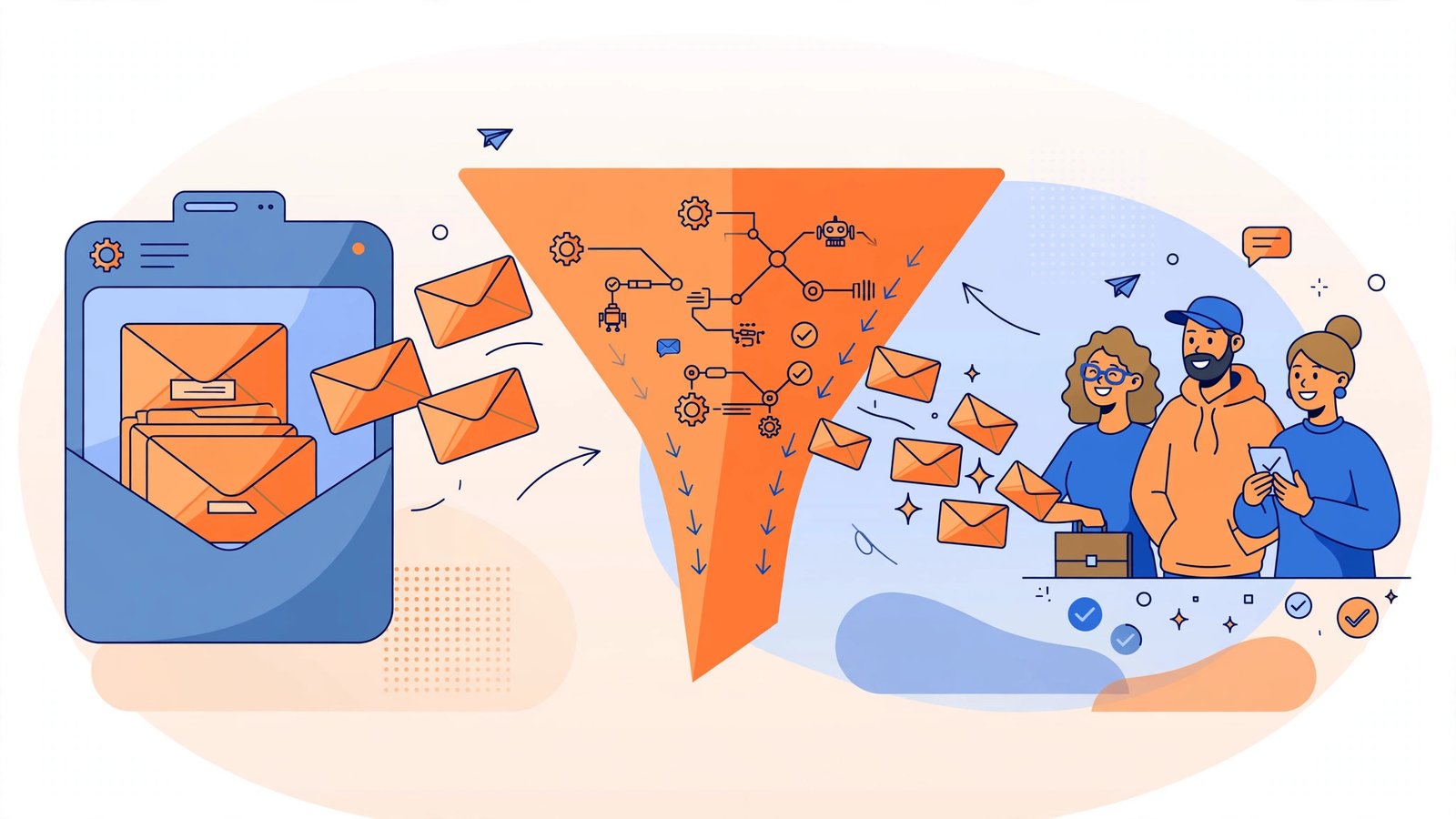
Most people who join your email list are not ready to buy today. They are interested and comparing options, but they need time, information, and a reason to trust you. If the only email they receive is a monthly newsletter, most will forget you before they are ready to spend. Email marketing automation solves this by sending the right message at the right moment, automatically, based on what each subscriber does.
Automation is not about sending more email. It is about sending better email: a warm welcome when someone joins, helpful advice while they consider, a timely reminder when they nearly buy, and a check-in after they become a customer. This guide explains the essential workflows in plain English.
Why Automation Beats One-Off Campaigns
A one-off campaign sends everyone the same message at the same time, whether they joined yesterday or two years ago. An automated workflow, also called a sequence or flow, responds to each person. Someone who downloads your guide gets advice on that topic. Someone who abandons a basket gets a reminder about those items. Someone who has just bought gets care tips, not another sales pitch.
That relevance is why automated emails earn far higher opens, clicks, and sales than general newsletters. They also save time: you write each workflow once and it works daily, welcoming new subscribers while you run the business. For lead generation, every new subscriber is greeted, nurtured, and given a clear path to becoming a customer.
Before You Automate: Three Foundations
First, build your list with permission. Only email people who clearly signed up or bought from you, and always include an easy unsubscribe link. Bought lists damage your reputation, break platform rules, and rarely produce customers.
Second, offer a clear reason to subscribe, often called a lead magnet: a useful guide, a first-order discount, a checklist, or a free consultation. Promise one specific, quick win related to what you sell. A fitness coach might offer a seven-day home workout plan; an accountant, a year-end tax checklist. The closer the lead magnet matches your paid service, the better subscribers convert.
Third, keep data simple and tidy. Collect a first name and email address, and record how each person joined and what interested them. Most platforms tag this automatically when you use separate forms for separate offers, and clean data is what makes workflows feel personal.
Workflow 1: The Welcome Sequence
The welcome sequence is your most important automation, because subscribers are never more interested than in the first days after joining. Many businesses send one “thanks for subscribing” email and then go quiet. A good sequence has three to five emails over about a week.
What to Send, Email by Email
- Email 1, immediately: Deliver the guide or discount they signed up for, thank them, and set expectations about what you will send and how often.
- Email 2, day two: Share your story briefly, explain who you help, and link to your most useful article or resource. Invite a reply with their biggest challenge.
- Email 3, day four: Teach one practical tip that gives a quick win, plus a short customer story showing the result you create.
- Email 4, day six or seven: Make your main offer clearly: book a call, start a trial, or shop with their welcome discount, with one simple next step.
Keep welcome emails short and friendly, like a message from one person, not a brochure. Use the subscriber’s first name and end with one clear action. Replies improve deliverability and often start real sales conversations.
Workflow 2: The Lead Nurture Sequence
Not everyone buys after the welcome sequence, especially for higher-cost services such as coaching, design, or home improvements. A nurture sequence keeps the relationship warm over two to four weeks with useful content, so when the need becomes urgent, you are the obvious choice.
Build it around common questions: a costly mistake to avoid, how your process works, an honest comparison of options, and pricing explained as openly as possible. Each email should teach something worthwhile, then close with a soft invitation such as booking a no-pressure chat. For example, a wedding photographer might send a favourite wedding story, five questions to ask any photographer, how packages differ, and finally an invitation to check availability for the subscriber’s date.
Workflow 3: Abandoned Basket and Enquiry Follow-Up
For online shops, an abandoned basket sequence sends a gentle reminder within a few hours, showing the items left behind with a link back to checkout. A second email a day later can answer hesitations about delivery, returns, or guarantees, and a final email after two or three days may add a small incentive if margins allow. Keep the tone helpful, never accusing: people abandon baskets because they were interrupted, comparing prices, or unsure.
For service businesses, create the equivalent for enquiries. If someone requests a quote or downloads a pricing guide but does not book, send a short sequence asking if they need more information, sharing a relevant case study, and offering an easy way to restart the conversation. Many sales are lost simply because nobody followed up a second time.
Workflow 4: Post-Purchase and Review Sequences
Automation should not stop at the sale. Send an order or onboarding email immediately, explaining what happens next and how to get help. Follow with tips timed to need: setup advice on day one, a getting-more-from-it tip in week one, and a check-in after a month. Once the customer has enjoyed the result, ask for a review and make it effortless with a direct link. Happy customers are usually willing; they are simply rarely asked at the right moment. Later, a relevant recommendation, loyalty offer, or referral invitation can turn one purchase into several, and existing customers are far cheaper to sell to than strangers.
Workflow 5: Re-Engagement for Quiet Subscribers
Every list collects subscribers who stop opening emails, and keeping them forever hurts results, because providers notice low engagement and may send your messages to spam. Trigger a re-engagement workflow after sixty to ninety days of silence: remind them of your best content, send a “we miss you” message with a strong offer or story, then a final honest email asking if they still want to hear from you. Those who respond stay; those who do not can be removed. A smaller, engaged list outperforms a large, silent one in opens, clicks, and sales.
How to Measure Whether It Is Working
Check four numbers monthly for each workflow. Open rate shows whether subject lines work. Click rate shows whether content is relevant. Conversion rate, meaning calls, purchases, or enquiries divided by emails sent, shows whether it earns money. Unsubscribe rate warns if frequency or tone is wrong. Improve the weakest email first and change one thing at a time.
Common Mistakes to Avoid
- Automating before a welcome sequence exists: Fancy workflows cannot fix a silent start. Welcome and nurture first.
- Sending too often, too soon: Daily sales emails exhaust new subscribers. Teach first, sell second.
- Sounding like a corporation: Automated does not mean impersonal. Write as yourself and invite replies.
- Never reviewing workflows: Prices, links, and offers change. Review every sequence at least twice a year.
- Ignoring mobile readers: Most email is opened on phones. Keep paragraphs short and test on your own phone first.
Frequently Asked Questions
How many emails should a welcome sequence have?
Three to five emails over about a week works for most small businesses. That covers delivering your lead magnet, sharing your story, providing proof, and making a clear offer without overwhelming anyone.
Which email platform should a beginner choose?
Choose a reputable platform offering automation, signup forms, tagging, and clear reports at a price that fits your list size. Ease of use matters more than advanced features you will never touch, and you can migrate later.
How often should I email my whole list as well?
A helpful campaign every one to two weeks keeps you visible without fatigue for most audiences. Automations run in the background while regular campaigns share news, seasonal offers, and fresh content.
Will automation make my emails go to spam?
No. Good automation improves deliverability because relevant, expected emails get opened and clicked. Spam problems usually come from bought lists, misleading subject lines, or mailing people who never consented.
Conclusion
Email automation turns a passive list into a reliable system for trust, enquiries, and sales. Start with a warm welcome, add nurturing content for careful buyers, follow up kindly when people nearly buy, and keep helping after the sale. Write each workflow once, in your own voice, and review it a few times a year. The businesses that win with email send the right message at the right moment, not simply the most messages.
Ready to turn more subscribers into customers? Subscribe to Go Digital Professional for practical email, automation, and marketing guides in plain English, with examples you can apply this week.