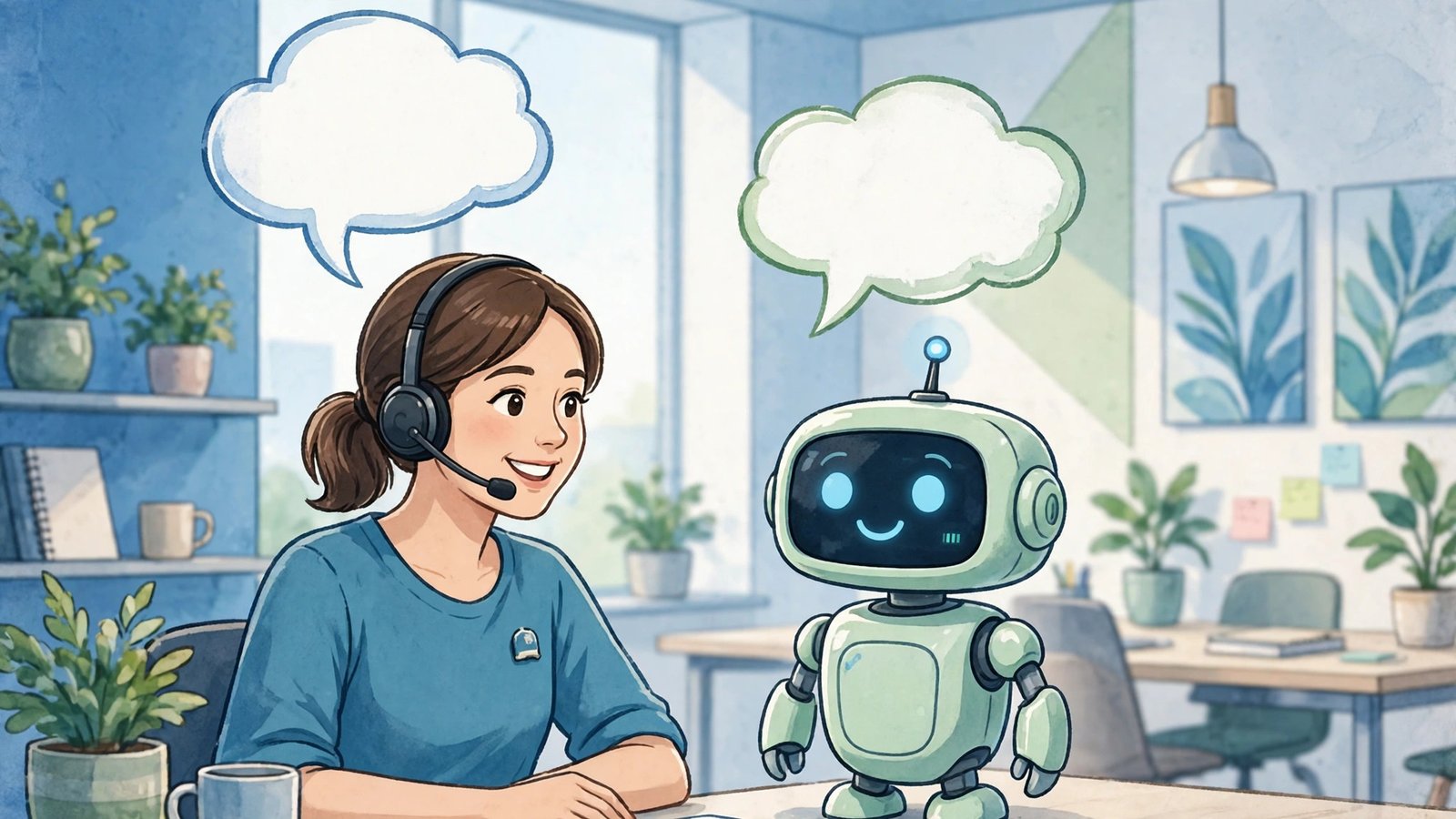
Your customers do not hate chatbots. They hate chatbots that waste their time. We have all met the frustrating kind: it asks three questions, misunderstands the fourth, and loops back to the start with no way to reach a real person.
Done well, though, an AI chatbot feels completely different. It answers in seconds, at 2 a.m. as reliably as at 2 p.m. It knows your delivery times, your returns policy, and your pricing. And when a question needs a human touch, it hands over politely, with all the context attached, instead of making the customer start again.
This guide shows you what helpful AI customer service actually looks like, where it works best, where it should never be used, and how to launch your first chatbot without a technical team or a big budget.
Why Customer Service Is Under So Much Pressure
Customer expectations have changed faster than most small teams can hire. People now expect a reply within minutes, not by the end of the day. They ask questions on your website, on social media, and by email, often about the same order. Meanwhile, your team spends a large share of its week answering the same handful of questions again and again.
That repetition is the real problem. When skilled staff are busy copying tracking numbers and resetting passwords, they have no time left for conversations that need judgment and empathy. Customers with simple questions wait too long, and customers with complex problems get rushed answers.
AI does not fix this by replacing your team. It fixes it by removing the repetitive layer, so your people can focus on work only people can do.
What a Helpful Chatbot Actually Does
A good chatbot is not trying to pretend to be human. It is trying to be useful, quickly. In practice, that means four main jobs.
1. Answer Instant Questions Instantly
Most support chats are variations of a short list: Where is my order? How do I return this? What are your opening hours? Do you ship to my area? A chatbot connected to your help pages and order system can answer these in seconds, in plain language, at any hour. The customer gets what they need without opening a ticket, and your inbox stays clear for real issues.
2. Guide Customers to the Right Product or Page
Instead of leaving visitors to wander your site, a chatbot can ask one or two simple questions and point them to the right product, booking page, or guide. A skincare shop might ask about skin type and budget. This guided help often converts better than a search bar, because it feels like advice rather than homework.
3. Collect the Right Information Before a Handoff
When a human does need to step in, the chatbot can gather the order number, account email, and a short description of the problem first. Your agent opens the conversation already knowing the basics, and the customer never has to repeat themselves. This single change can cut resolution time dramatically.
4. Follow Up Without Being Pushy
A chatbot can check in after a delivery or remind a customer about an unfinished booking. Kept short and relevant, these messages feel like good service rather than marketing noise.
What Chatbots Should Never Do
Knowing the limits matters as much as knowing the strengths. Keep humans firmly in charge in these situations:
- Complaints and emotional situations: An unhappy customer needs empathy and authority to fix things, not a script.
- Refunds and exceptions: A bot can explain your policy, but a person should approve anything outside it.
- Sensitive topics: Health, finance, legal, and safety questions need qualified human handling.
- Pretending to be a person: Always make it clear the customer is talking to an automated assistant. Honesty builds trust; deception destroys it.
The simple rule is this: automate answers, not relationships.
How to Launch Your First Chatbot: A Step-by-Step Plan
Step 1: Start With Your Top 10 Questions
Read through your last month of emails and chats and list the questions that come up most often. These are your chatbot’s first job. Do not try to cover everything on day one. A bot that answers ten questions perfectly is far better than one that answers a hundred questions badly.
Step 2: Write Answers in Your Real Voice
Take the answers from your best support replies and shorten them. Use short sentences and the words your customers actually use. If your audience says “delivery,” do not write “fulfilment logistics.” Add links where a longer answer is needed.
Step 3: Choose a Tool That Fits Your Size
Most modern helpdesk and website platforms now include AI chat features, and standalone tools can be added with a plugin or small snippet of code. Compare tools on three things: how easily you can train them on your own content, how clean the human handoff is, and how cost grows with chat volume. Start with a free trial.
Step 4: Build the Escape Hatch First
Before you go live, decide exactly how a customer reaches a human. A visible “Talk to a person” option, automatic handoff when the bot is unsure, and a clear message about support hours prevent the trapped feeling people hate. Test this path yourself, on your phone.
Step 5: Launch Small, Then Review Weekly
Turn the chatbot on for one part of your site first, such as your pricing or support page. Each week, read the conversations where the bot could not help. Those gaps become your next answers to write.
Three Small Businesses, Three Practical Examples
An online clothing store used a chatbot for order tracking and size advice. Routine “where is my order” chats dropped sharply, and the two-person team finally had time to handle exchanges personally.
A small software company placed its bot on the pricing page to answer plan comparison questions and book short sales calls for visitors who needed more detail. The team got fewer, better-qualified calls.
A dental clinic used a chatbot to answer insurance and appointment questions outside office hours. Front-desk staff started each morning with organised requests instead of a full voicemail inbox.
None of these businesses automated everything. Each automated the repetitive first layer, and that changed the whole feel of their support.
How to Know If It Is Working
Do not judge your chatbot by how many conversations it “handles” alone. Judge it by outcomes your customers would care about:
- First response time: Are customers getting an answer in seconds instead of hours?
- Resolution time: Are problems fully solved faster, including the ones handed to humans?
- Repeat questions: Is your team seeing fewer copies of the same simple questions?
- Customer satisfaction: Add a one-tap rating at the end of chats and watch the trend, not single scores.
- Handoff quality: When the bot passes a chat over, does your team have everything it needs?
If response times fall but satisfaction falls too, the bot is deflecting people rather than helping them. Fix the design instead of pushing automation harder.
Frequently Asked Questions
Will a chatbot annoy my customers?
Only if it blocks them from getting help. A bot that answers simple questions quickly, admits when it does not know, and offers an easy path to a human is usually welcomed. Most annoyance comes from forced chat and pop-ups that will not close.
How much does an AI chatbot cost for a small business?
Many platforms include basic AI chat in plans small businesses already pay for, and standalone tools often start with free tiers or modest monthly fees. Your real cost is setup time: one focused afternoon to load your top questions and test the handoff. Ongoing review takes under an hour a week.
Do I need technical skills to set one up?
No. Current tools are built for non-technical owners. You paste in your website and help pages, review the answers the tool drafts, and add the chat widget through a plugin or short code snippet.
Should the chatbot use my customer’s name and data?
Carefully, and only when it helps. Using an order number to show delivery status is helpful. Greeting someone with personal details they did not share in the chat can feel intrusive. Connect only the data the bot genuinely needs, and be transparent about how it is used.
Conclusion: Helpful First, Automated Second
The best AI customer service does not feel like a robot revolution. It feels like a business that answers quickly, knows its own policies, and respects your time, while still having real people ready when it matters. Start with your ten most common questions, build a clean handoff to a human, and improve a little every week. That modest plan will outperform an ambitious bot that tries to do everything.
Want more practical guides like this, written in plain English for busy business owners? Subscribe to Go Digital Professional and get one useful tech article in your inbox, with no jargon and no hype, just steps you can actually use.